
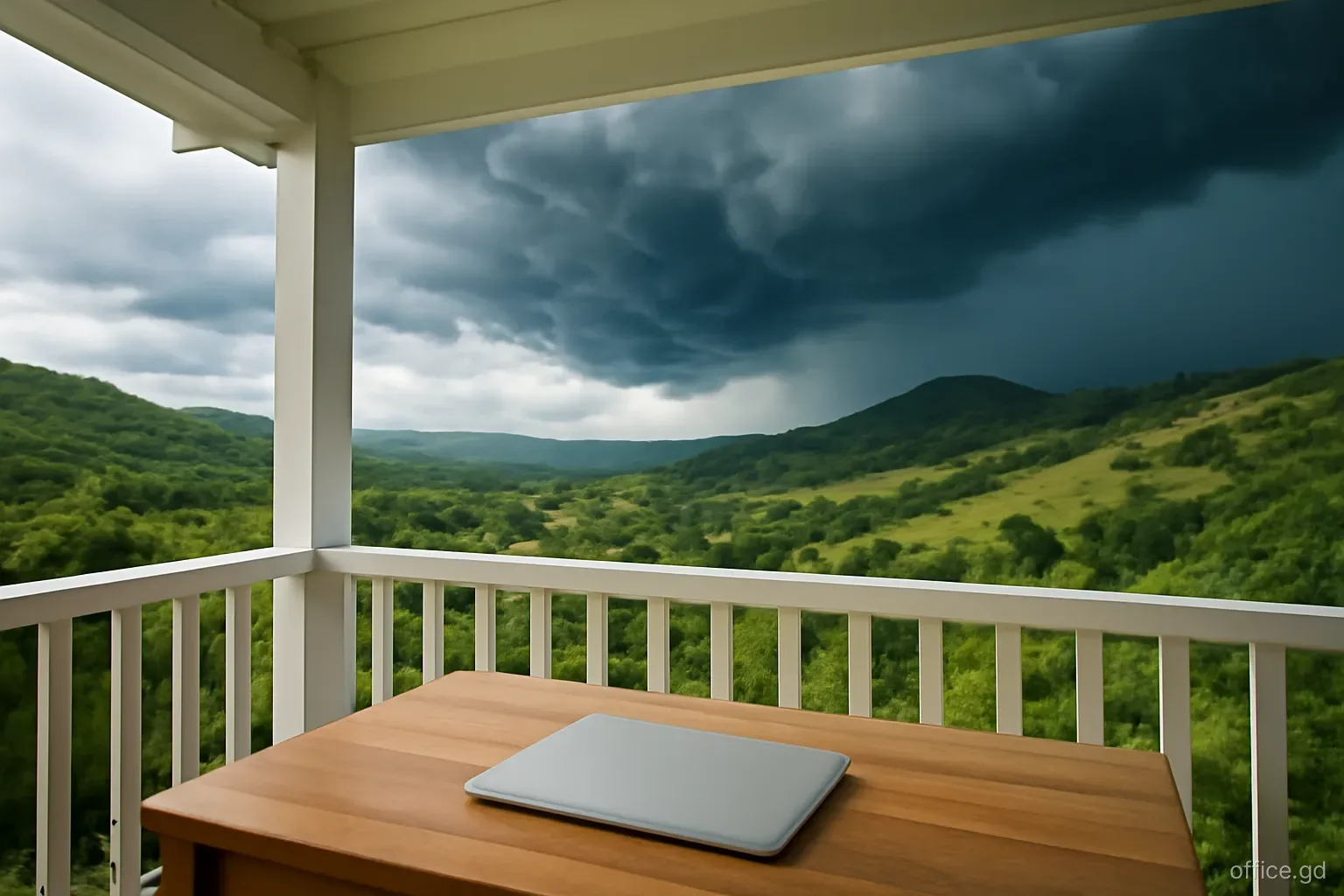
The equipment that dies in Grenadian home offices rarely fails from age. It fails on a single afternoon: a thunderstorm rolls in over the hills, the lights flicker, the power drops and comes back with a crack, and afterwards the router will not boot, the monitor stays black or the printer is silent for good. Surges caused by lightning, switching on the grid and the moment power returns after an outage are an everyday hazard in a tropical climate with frequent electrical storms.
Protection is inexpensive compared with the cost of replacing a laptop or losing a week of work waiting for a part to arrive on the island. It comes in layers: good wiring and earthing in the house, proper surge protectors at the desk, voltage regulation for sensitive equipment, and a few habits on storm days.
This guide covers each layer and the mistakes that leave equipment exposed. For anything involving the house wiring or earthing, use a licensed electrician.
Where surges come from
A surge is a brief spike in voltage far above the normal 230 volts. The most dramatic source is lightning. A direct strike on a house is rare, but a strike on or near a power line, a telephone pole or the ground nearby can send a surge along electrical wiring, telephone and cable lines, and even the fibre provider's powered equipment. The rainy season, broadly June to December, brings most of the thunderstorms.
Less dramatic but more frequent are switching surges. When large loads on the grid switch on and off, or when power is restored after an outage, the supply can spike or fluctuate for a moment. Repeated small surges degrade electronic components gradually, which is why equipment sometimes fails for no obvious reason.
Voltage can also sag, particularly in areas at the end of long lines or when demand is high. Brownouts, where lights dim but do not go out, stress motors in fridges and air conditioners and can cause computers to reboot.
Inside the house, poor wiring, loose connections and missing earth connections make all of these worse. Older houses and informal extensions, where a room was added years after the original wiring, are where problems concentrate. Ask the landlord or seller when the electrics were last inspected, and whether any work was done after the last major storm.
Layer one: wiring and earthing
Check the earth. A surge protector diverts excess energy to earth. If the socket has no proper earth connection, the protector cannot do its job. In older houses and some rentals, sockets may look like three-pin outlets but lack a working earth. A licensed electrician can test this quickly.
Consider whole-house protection. A surge protection device fitted at the main electrical panel catches surges entering from the grid before they reach any socket. It does not replace protection at the desk, but it shields everything in the house, including the fridge, air conditioners and water pump.
Fix loose connections. Warm sockets, buzzing switches and lights that flicker when a large appliance starts are signs of wiring that needs attention, and are also fire risks.
Do not overload circuits. Plugging an air conditioner, kettle and computer into one circuit through extension leads causes voltage dips and overheating.
Mind the incoming lines. Coaxial cable and any copper telephone lines can carry surges too. Protectors with coaxial or line protection, or a protector on the incoming line, close that route.
Layer two: surge protectors at the desk
A proper surge protector is not the same as a basic power strip. A plain multi-socket extension lead offers no protection at all. Look for a unit that states its surge rating in joules, its clamping voltage and that it is designed for 230-volt supply. A higher joule rating means it can absorb more energy before it wears out. Many have an indicator light that shows whether protection is still active; when it goes out, the unit is just a power strip and should be replaced.
Surge protectors wear out with each surge they absorb. In a place with frequent storms, replace them every few years or after a major strike nearby, even if they still deliver power. Write the purchase date on the underside so you know how old each one is.
Buy from established suppliers and check that the plug and sockets suit the British-style three-pin system used in Grenada. Cheap protectors and adapters of uncertain origin are common across the region, and some offer little real protection.
Plug everything that connects together into the same protector, including the router, fibre or cable modem, computer and monitor. A surge can travel between devices along network and USB cables if they are on different protection. If you need more sockets, buy a larger protector rather than daisy-chaining extension leads from one another.
Layer three: voltage regulation and UPS
An automatic voltage regulator, or AVR, smooths out sags and spikes, delivering a steady voltage to connected equipment. AVRs are popular in the Caribbean for refrigerators, air conditioners and televisions, and many uninterruptible power supplies include voltage regulation for electronics.
A line-interactive UPS with AVR is a good all-in-one choice for a home office: it regulates voltage during brownouts, provides battery backup during short outages and usually includes surge protection. For the most sensitive equipment, an online or double-conversion UPS isolates devices from the grid entirely, at a higher price.
Appliances with motors, such as refrigerators and air conditioners, suffer when power returns with a surge after an outage. A dedicated appliance protector with a delay, which waits a few minutes before reconnecting power, protects compressors from restarting into an unstable supply.
Whatever you buy, keep receipts and warranty documents. Some surge protector manufacturers offer connected-equipment warranties, but claims require proof and conditions apply.
Storm-day routine
Even with good protection, a direct or very close lightning strike can overwhelm protective devices. On days when a serious electrical storm approaches:
- Save your work and push files to cloud storage so nothing is lost if equipment fails.
- Let clients or colleagues know you may drop off a call if the storm comes overhead.
- Shut down the desktop or laptop and unplug it from the wall, not just from the surge protector.
- Disconnect the coaxial or telephone line from the modem, or unplug the router and fibre terminal, and switch to a phone on mobile data with a full battery.
- Unplug televisions and other expensive electronics.
- Wait until the storm has passed and power has been stable for some minutes before reconnecting.
- If the power goes off during the storm, switch off major appliances at the wall so they do not all restart together when supply returns.
Mistakes that leave equipment exposed
Most damaged equipment in island home offices can be traced to one of a handful of avoidable habits. Each of these has led to failed routers, monitors and laptops that could have been saved for the price of a decent protector or a minute spent unplugging:
- Relying on a basic extension lead and believing it is a surge protector.
- Using a surge protector for years after its protection light has gone out.
- Protecting the power socket but leaving the cable or telephone line unprotected.
- Plugging North American equipment rated only for 120 volts into a 230-volt socket through a plug adapter without a voltage converter, which destroys it instantly.
- Running equipment on a generator that produces unstable power without a regulator or UPS between them.
- Assuming insurance will pay without checking whether the household policy covers electrical surge damage and what proof is required.
- Leaving the house for a trip off-island with everything plugged in and nobody to switch it off when storms arrive.
Frequently asked questions
Do surge protectors really work against lightning?
Good surge protectors handle most surges from nearby strikes and grid switching, which cause the majority of damage. Nothing at the socket guarantees protection against a direct or very close strike, which is why unplugging during severe storms remains the safest habit for expensive equipment.
Is a UPS the same as a surge protector?
Not exactly. Many UPS units include surge protection and voltage regulation, but their main purpose is battery backup during outages. Check the specifications. A good line-interactive UPS with AVR covers backup, brownouts and surges in one device, which suits a home office well.
Should the router be unplugged during a thunderstorm?
For severe storms overhead, yes. Lightning surges can travel along power and cable lines to the router and modem, which are among the most commonly damaged devices. Switch to mobile data on a charged phone until the storm passes and power is stable.
Can US electronics be used safely in Grenada?
Devices labelled 100 to 240 volts, such as most laptop and phone chargers, work with a simple plug adapter. Devices rated only for 120 volts need a step-down transformer or replacement. Check labels carefully before plugging anything in.
Does home insurance cover surge damage?
Some household policies cover electrical damage from lightning or surges, and others exclude it or apply conditions. Read the policy or ask your insurer or broker in Grenada, and keep receipts and photos of equipment in case you need to make a claim.