Clients do not care where their freelancer or remote colleague is sitting; they care whether the call connects and the voice is clear. For anyone working from Grenada, that means a reliable local mobile line, a way to stay reachable on an overseas number, and a setup for calls that does not depend on luck with the Wi-Fi.
Grenada has two mobile networks, Flow and Digicel, both offering prepaid and postpaid plans with 4G coverage across most populated areas and expanding faster services. WhatsApp is the default way much of the island communicates, from businesses and government offices to the plumber. The country is part of the North American Numbering Plan, so Grenadian numbers share the +1 country code with the United States and Canada.
This guide covers getting a local line, keeping or replacing an overseas number, choosing the right calling tools and avoiding the habits that make remote workers sound unprofessional. Plan details change frequently, so compare current offers directly with both networks.
Getting a local SIM
Getting connected locally is quick. A typical first visit looks like this:
- Check that your phone works on other networks. A phone tied to a carrier at home will not accept a Grenadian SIM; ask your home carrier to release it before you travel.
- Visit a Flow or Digicel store or an authorised dealer. Stores are found in St George's, Grand Anse and other main towns, and at or near the airport.
- Bring your passport or other photo identification; SIM registration requires ID.
- Choose between prepaid, topped up as you go, and postpaid, billed monthly. Prepaid suits short stays; postpaid can make sense for long-term residents and usually requires proof of address.
- Ask whether the network supports eSIM on your phone model if you prefer to keep a physical SIM slot free for your home number.
- Test calls, data and hotspot in the store before leaving.
One network or two?
Coverage on both networks is good across most of the south of the island, St George's and the main towns. In hilly interior areas, some valleys on the east and north coasts, and parts of Carriacou and Petite Martinique, signal can be weaker on one network than the other, and it varies street by street. A house that sits below a ridge may have poor reception on one network and strong reception on the other.
Many remote workers keep SIMs from both networks, either in a dual-SIM phone or in a second inexpensive phone used as a hotspot. If one network has a fault, the other is usually still working, which makes a second SIM the cheapest form of insurance for your connectivity.
Before committing to a long-term rental, test both networks inside the house, especially the room you intend to use as an office. Thick concrete walls reduce indoor signal noticeably, and a phone that shows full signal on the veranda may struggle at the desk.
Wi-Fi calling, where supported by your network and phone, routes calls over your home internet and helps where indoor mobile signal is weak.
Keeping an overseas number
Why it matters. Clients, banks and two-factor authentication systems at home often depend on your original number. Losing it can lock you out of accounts at an awkward moment.
Keep the SIM active. Some carriers offer low-cost plans to keep a number alive while abroad. Keep the SIM in a dual-SIM phone, with roaming data switched off, to receive verification texts.
Move the number to an internet service. In some countries you can transfer a mobile number to an internet calling service, so calls and texts reach an app over Wi-Fi. Availability depends on the country and provider; check before cancelling a home plan.
Move two-factor codes to an app. Wherever possible, switch account security from text message codes to an authenticator app, so access does not depend on a foreign SIM receiving roaming texts.
Watch roaming charges. Leaving an overseas SIM roaming with data turned on in Grenada can run up large bills quickly.
Calling tools for client work
Most client calls today run over the internet through video conferencing platforms, which work well from Grenada on a decent fibre connection. For calling ordinary phone numbers in other countries, internet calling services are far cheaper than international calls from a mobile plan. Check that the service you choose operates in Grenada and that payment cards issued locally are accepted.
WhatsApp is the dominant messaging and calling tool on the island and across much of the Caribbean, and many local businesses use WhatsApp Business to talk to customers. For a freelancer with local clients, a WhatsApp Business profile on a local number, with business hours and a short description, is a sensible setup.
Keep work and personal communications separate. A second number for business, whether a second SIM or an internet number, lets you switch off at the end of the day and makes it easier to hand clients a number you will keep long term.
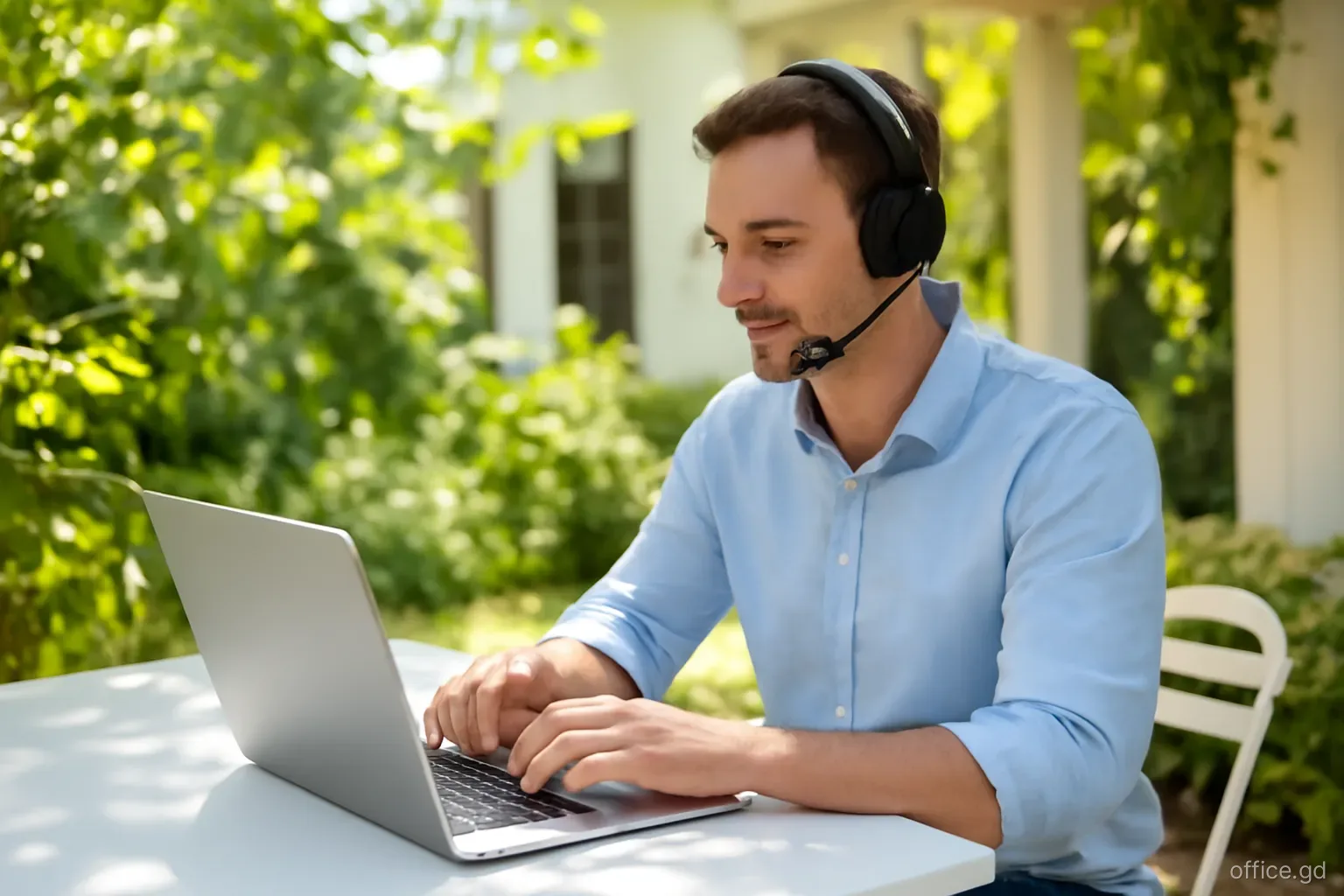
For a professional voice on calls, invest in a good headset with a noise-cancelling microphone. It matters more than the network, and wired or well-reviewed wireless models are available locally as well as online.
Call quality: practical habits
Most poor calls come down to the environment and setup rather than the line itself. A few habits fix the majority:
- Use a wired internet connection for important video calls, and keep mobile data ready as a backup.
- Close the louvres or windows in heavy rain; rain on a galvanised roof is loud enough to drown out speech.
- Mute when not speaking to keep out roosters, dogs and traffic.
- Avoid calls from the veranda on a windy day; even good microphones struggle with strong trade winds.
- Keep the phone and headset charged, and the router on a UPS, so a power cut does not end the call.
- Share a calendar link showing your hours in Atlantic Standard Time, which Grenada keeps all year without daylight saving.
Staying reachable when things go wrong
Power cuts, line faults and severe weather are the moments when communication matters most and works least. During a long power cut, mobile towers run on backup power for a limited time, and after a severe storm both networks may be patchy for days in the worst-hit areas. Grenada's emergency number, 911, connects to police, fire and ambulance services.
Keep a power bank or two fully charged, enough to recharge your phone several times, and a car charger if you drive. A battery-powered radio lets you follow official announcements from the National Disaster Management Agency (NaDMA) when data is down.
Agree a fallback with clients and employers in advance: if you go silent during a declared storm or major outage, they should expect you back within a stated time and know who else to contact. A short note in your email signature or project channel during hurricane season, from June to November, sets expectations without fuss.
Mistakes to avoid
Giving clients a number you will not keep. A prepaid number that lapses after months without top-up can be reassigned. Keep long-term numbers on a plan, or top up regularly.
Relying on one network. A fault or an area of weak signal can leave you unreachable.
Forgetting the code. When giving your Grenadian number to overseas contacts, include the full international format with the country code, since many will dial it from abroad.
Unprofessional voicemail. Set up a short voicemail greeting or auto-reply that says when you will respond. On WhatsApp Business, an away message outside working hours does the same job.
Letting the overseas plan lapse. Cancelling a home number before moving important accounts and two-factor codes to other methods is a common way to get locked out of banking and email.
Frequently asked questions
Which mobile network has better coverage in Grenada?
Both Flow and Digicel cover most populated areas well, with differences in particular valleys, hillsides and parts of Carriacou and Petite Martinique. Coverage varies by exact location, so test both at your home and office, or keep a SIM from each.
Is ID needed to buy a SIM card in Grenada?
Yes, mobile networks require identification to register a SIM, usually a passport for visitors. Postpaid plans generally require more, such as proof of address and sometimes a deposit. Bring your passport when you visit a store or authorised dealer.
Do Grenadian mobile networks support eSIM?
Support for eSIM has been growing but depends on the network, the plan and your phone model. Ask in store whether eSIM is available for your device before buying a physical SIM if you want to keep the slot for your home number.
What is the country code for Grenada?
Grenada uses the +1 country code as part of the North American Numbering Plan, followed by the area code 473 and a seven-digit local number. Calls from the United States and Canada are dialled like long-distance calls, but charged at international rates.
Can WhatsApp be used for business in Grenada?
Yes. WhatsApp is widely used across Grenada for personal and business communication, and many companies and service providers use WhatsApp Business. Setting up a business profile on a local number is a common way for freelancers to communicate with local clients.