A home office in Grenada faces conditions that equipment designed for an air-conditioned building in a temperate city never expected. Daytime temperatures sit around the high twenties to low thirties Celsius all year, relative humidity is high, and a house within sight of the sea receives a steady fine mist of salt. Laptops run hot, keyboards grow sticky, leather chairs sprout mould in the rainy season and metal connectors corrode quietly behind the desk.
None of this makes remote work difficult, but it changes what a good setup looks like. The right room, airflow and a few inexpensive habits matter more than the price of the laptop. People who set up as they would at home in London or Toronto often find, a year in, that the monitor has dead pixels, the printer has seized and the office smells damp.
This article covers the physical workspace: room choice, cooling, humidity, salt, ergonomics and noise. Power backup, surge protection and the network are dealt with in separate guides on this site.
Choosing the right room
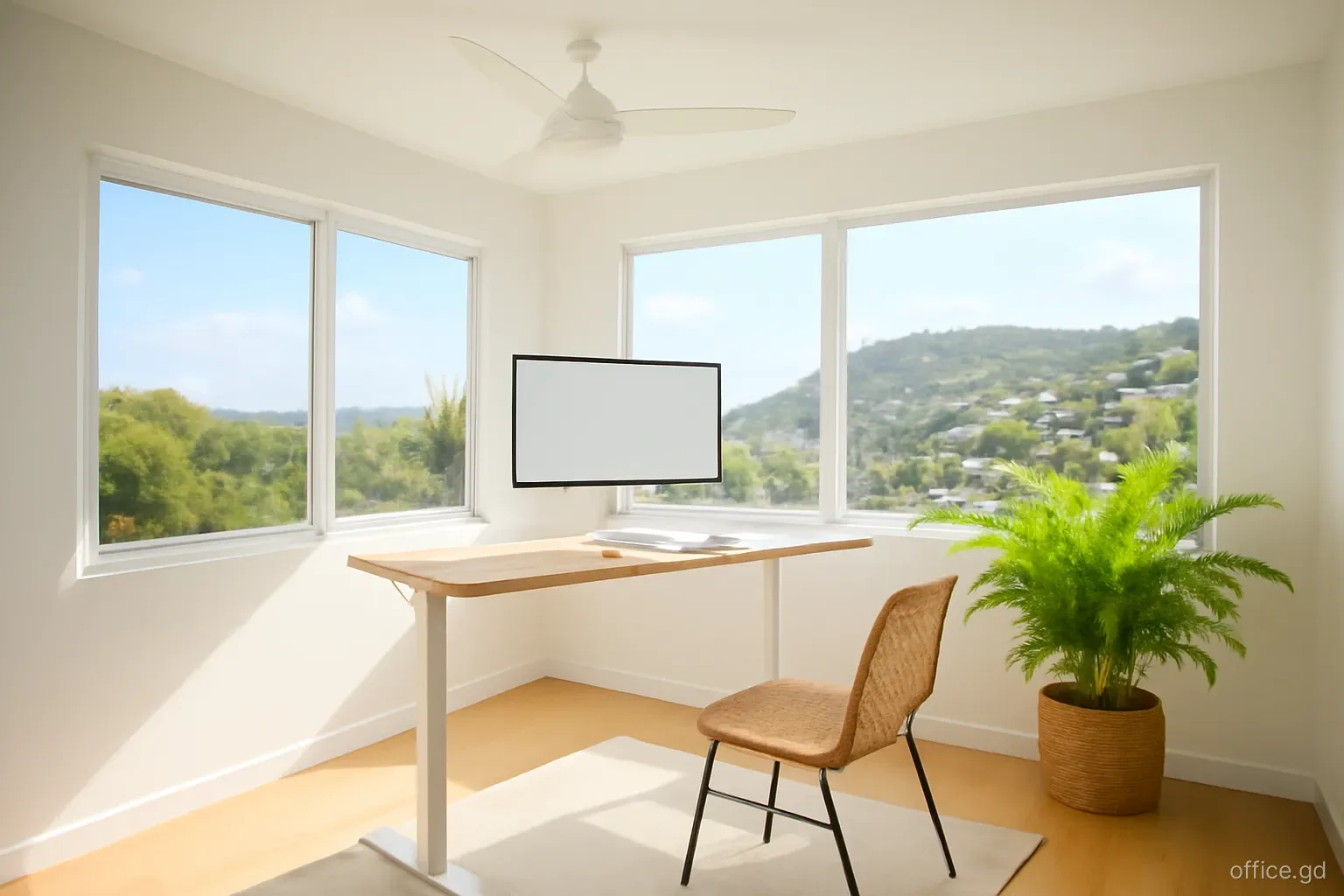
Avoid the west-facing room. In Grenada the afternoon sun is fierce, and a room with west-facing windows or a thin roof above it heats up through the afternoon, exactly when many remote workers are on calls with Europe or the US East Coast. An east or north-facing room, or one shaded by a veranda, stays far more comfortable.
Look at the roof. Single-storey houses with galvanised roofs and no ceiling insulation turn upstairs rooms into ovens. A room with a ceiling, insulation or an upper floor above it is cooler and quieter in heavy rain, which on a bare galvanised roof can drown out a video call.
Cross-ventilation helps, but not for everything. Louvred windows and the trade wind from the east keep a room pleasant much of the year. They also bring in dust, insects and, near the coast, salt. Plan where the equipment sits relative to the windows.
Keep away from the bathroom wall. A desk against a shared wall with a shower is the first place mould appears behind the furniture.
Think about the background. A plain wall behind your chair reads as professional on camera; a bright window behind you turns you into a silhouette.
Cooling: fans, split units and running costs
Most Grenadian homes rely on ceiling fans and the breeze, with air conditioning in bedrooms. For focused desk work through the heat of the day, many remote workers end up adding a split-unit air conditioner to the office. Inverter models use noticeably less electricity than older fixed-speed units, which matters because electricity in Grenada is expensive by North American standards, a consequence of power generated largely from imported diesel.
Size the unit to the room rather than buying the largest available. An oversized unit cools quickly and switches off before it has removed much moisture, leaving the room cold and clammy. Ask the installer to calculate capacity from the room size, insulation and sun exposure, and to fit the outdoor unit in shade where possible, away from direct sea spray.
A ceiling or pedestal fan used alongside the air conditioner lets you set the thermostat a couple of degrees higher for the same comfort, which cuts running costs. Close windows and doors while it runs; cooling a room open to the veranda wastes power.
Service the unit regularly. Filters clog quickly with dust and pollen, and coils near the coast corrode. A unit that has not been cleaned in a year uses more power and cools less.
Humidity and mould: the slow enemy
Humidity is the problem people underestimate. In the rainy season, roughly June to December, moisture builds up in closed rooms, cupboards and anything made of leather, paper or fabric. Mould appears on shoes, bags, chair cushions and the back of furniture pushed against outside walls. Electronics suffer too: condensation can form when a cold, air-conditioned laptop is carried out to a humid veranda.
Running air conditioning removes moisture as a side effect. In rooms without it, an electric dehumidifier makes a clear difference; empty the tank daily or connect it to a drain hose. Silica gel packs in camera bags and drawers protect smaller items, and they can be dried out in a low oven and reused.
Leave a few centimetres between furniture and outside walls so air can circulate. Choose a chair with mesh or fabric rather than leather or faux leather, which peels and moulds in tropical humidity. Store paper files in sealed plastic boxes, and keep important documents scanned.
If you go away for weeks, do not seal the house tightly with no airflow. Ask a caretaker to open it up, run fans and check for leaks after heavy rain.
Salt air and equipment care
Living close to the sea, from Grand Anse to Lance aux Epines or on Carriacou, means salt reaches everything. These habits extend the life of electronics:
- Keep laptops, monitors, routers and printers away from windows that face the sea and out of the direct path of the breeze.
- Wipe surfaces and devices with a slightly damp microfibre cloth weekly to remove salt film and dust, then dry them.
- Cover the keyboard and printer when not in use, and close the laptop lid at the end of the day.
- Check cable ends, chargers and power strips periodically for green or white corrosion on metal contacts, and replace corroded items before they fail.
- Avoid carrying equipment between an air-conditioned room and the hot outdoors repeatedly; let a cold device warm up in its bag before opening it.
- Have the air conditioner outdoor unit treated or coated if it faces the sea; ask the installer about corrosion-resistant models.
- Keep a small toolkit and compressed air for clearing fans and vents, since dust and insects find their way into everything.
Ergonomics for long working days
Invest in the chair and desk. Rental properties in Grenada are often furnished for holidays, with dining chairs and coffee tables rather than office furniture. Working eight hours a day at a dining table leads to back and neck trouble within weeks. A proper adjustable chair and a desk at the right height are worth buying locally or shipping in.
Raise the screen. An external monitor or a laptop stand with a separate keyboard and mouse brings the screen to eye level.
Light from the side. Tropical daylight is intense. Position the desk so windows are to one side rather than behind the screen, and use blinds to control glare in the afternoon.
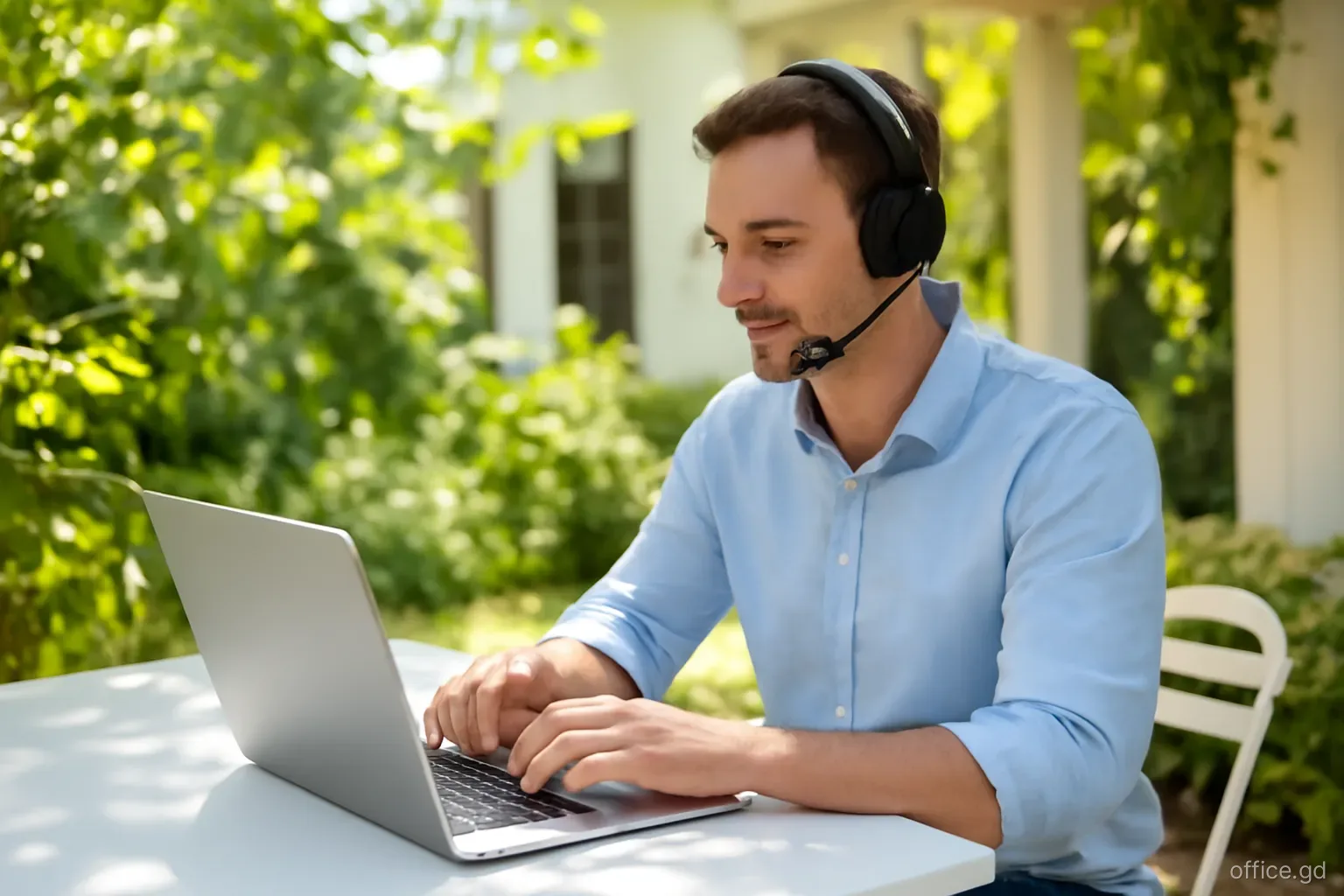
Plan for noise. Roosters, barking dogs, church services, construction and passing vehicles with loud music are part of daily life in residential areas. A good headset with noise cancellation for calls, and a quiet room at the back of the house, solve most of it.
Take breaks outdoors. Early mornings are the coolest and most pleasant part of the day. Many remote workers in Grenada start work early, take a long break in the hottest hours and finish in the evening.
Mistakes to avoid when setting up
The most common mistake is putting the desk where the view is best: a sea-facing veranda or a window looking down to the beach. It looks wonderful and is the worst place for electronics, glare and heat. Enjoy the view on breaks, and work in the plain room at the back.
Another is buying cheap power strips and extension leads locally or bringing them from home without checking compatibility. Grenada uses 230-volt electricity at 50 hertz with British-style three-pin plugs. Most laptop chargers handle this automatically; many desk lamps, monitors and printers from North America do not.
People also tend to leave everything plugged in during thunderstorms and when they travel. Unplugging, or using proper surge protection, protects against the power surges common during electrical storms.
Finally, many arrive with no plan for spares. Replacement chargers, specific cables or a particular monitor can take time to find on the island, so bring spares of the small items you cannot work without.
Frequently asked questions
Is air conditioning necessary to work from home in Grenada?
Not always. Many people work comfortably with ceiling fans and a breezy, shaded room, especially from December to April when it is slightly cooler and drier. For long hours through the hottest months, or in a room under a bare roof, a small inverter air conditioner makes work much more comfortable.
How can mould be kept out of a home office?
Control humidity with air conditioning or a dehumidifier, keep furniture slightly away from outside walls, choose mesh or fabric chairs, and keep the room aired. Store paper and leather items in sealed containers with silica gel, and check behind furniture regularly during the rainy season.
Will salt air damage a laptop?
Salt air can corrode connectors, chargers and internal components over time, particularly in houses very close to the sea. Keeping devices away from sea-facing windows, wiping them regularly, closing lids when not in use and checking cables for corrosion greatly reduce the risk.
What plug type does Grenada use?
Grenada uses the British-style Type G three-pin plug, with 230-volt supply at 50 hertz. Most modern laptop and phone chargers accept this voltage, so a simple plug adapter is enough. Check the label on other devices; some North American equipment needs a voltage converter.
Is office furniture available to buy in Grenada?
Yes, furniture and office suppliers in St George's and the Grand Anse area stock desks and chairs, although choice is narrower and prices often higher than in North America because of import costs. Some remote workers ship an ergonomic chair with their belongings; compare the shipping and customs cost first.